Zimbabwe’s Ultimate Loyalty and Rewards Programme.

Available for all major mobile platforms. Go to your stores and download our app.

ZWG USD
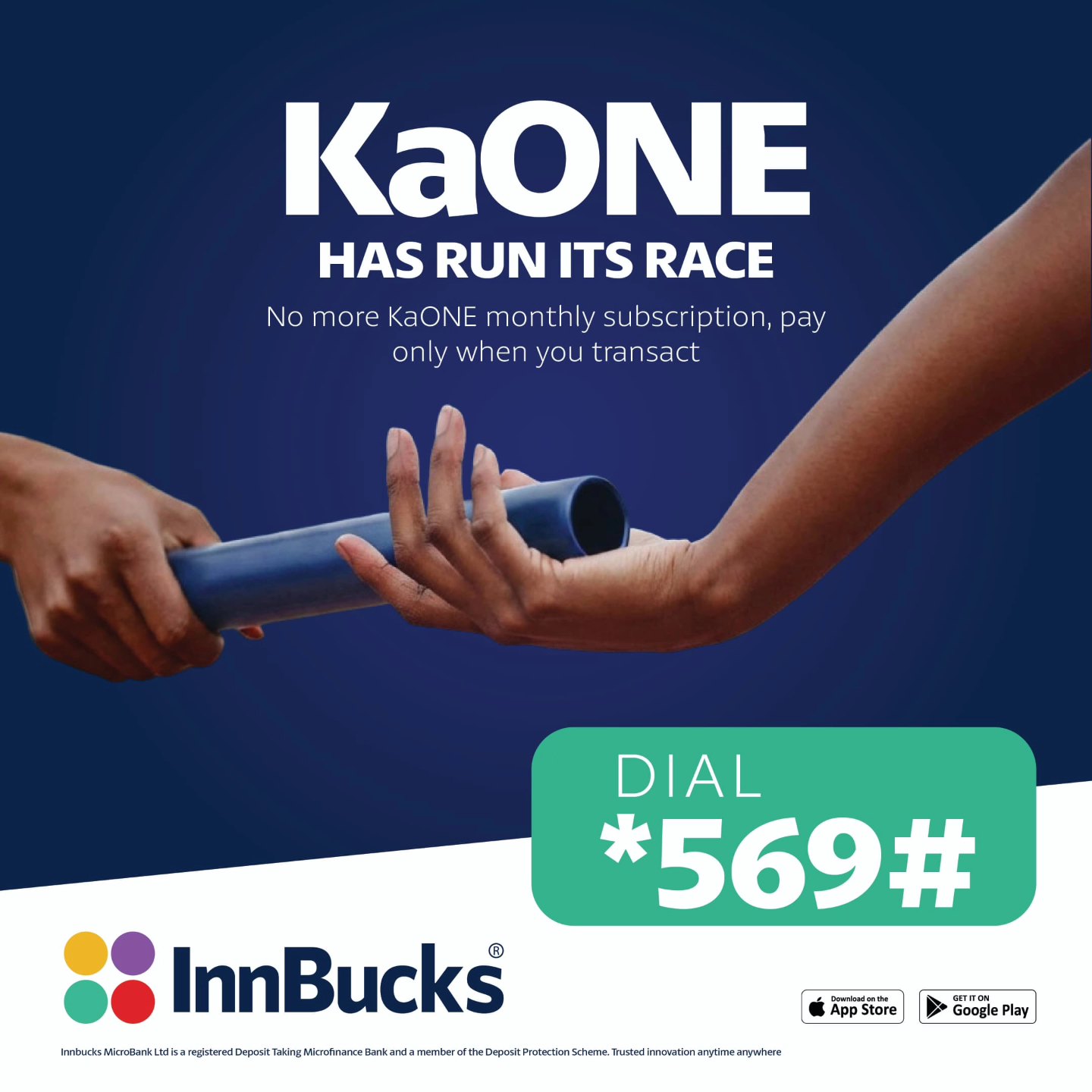
KaOne has run its race.
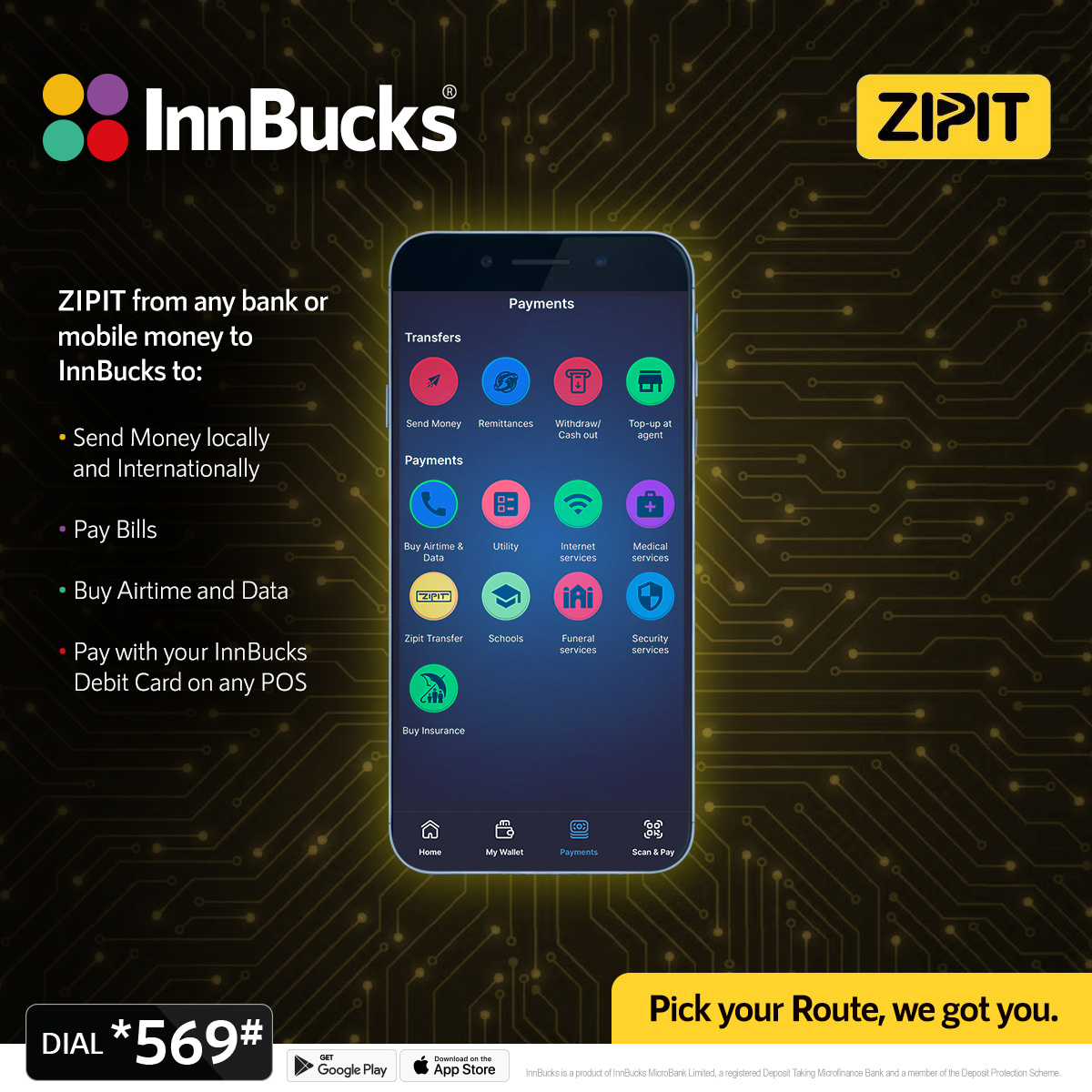
ZIPIT from any Bank.
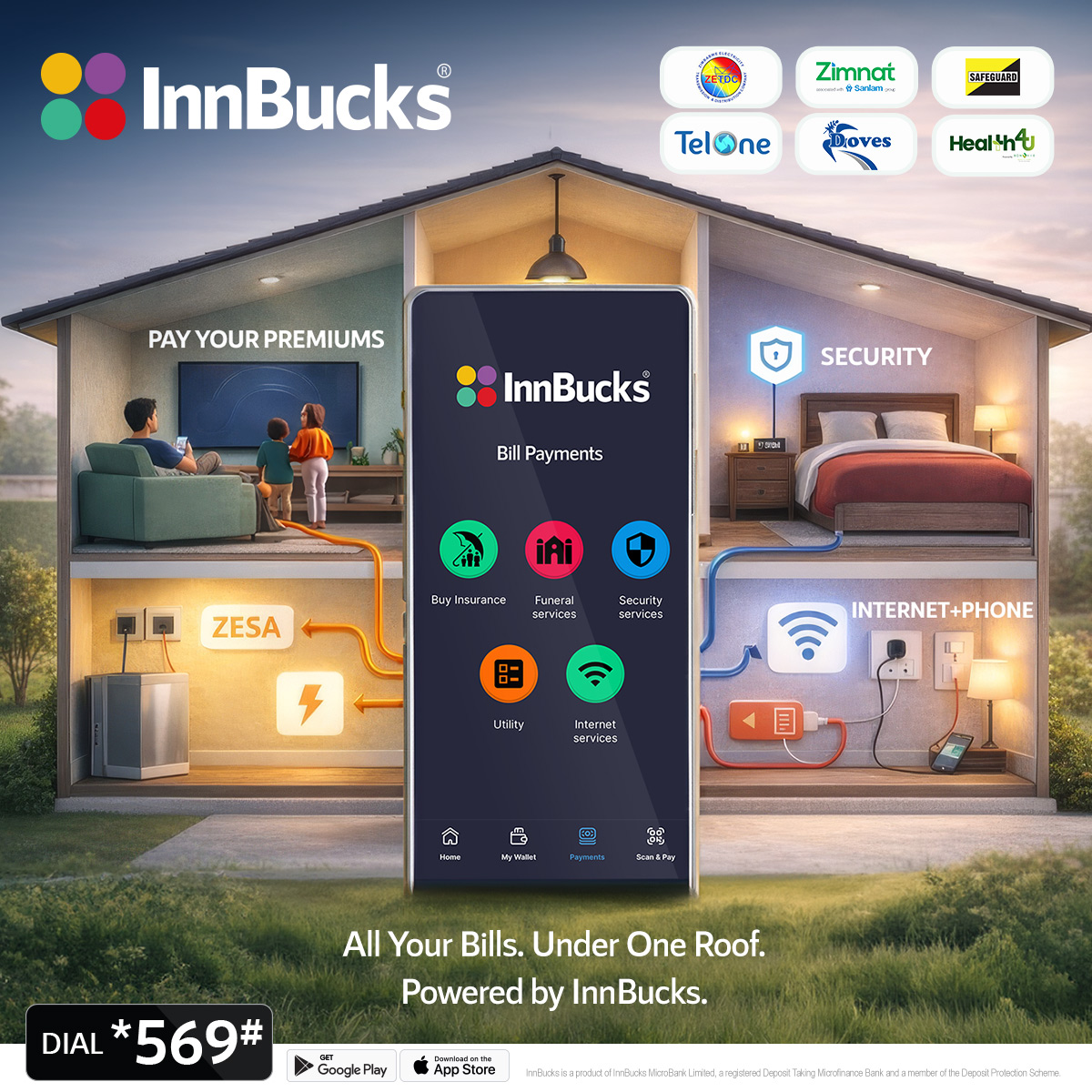
Bills Payment Solution.

Zimbabwe’s Ultimate Loyalty and Rewards Programme.

Available for all major mobile platforms. Go to your stores and download our app.

logo inn bucks

Scan to pay

Get exclusive specials & discounts! even Buy For Friends (History)
logo inn bucks

How to use InnBucks?

Download the App for free or dial *569# and register.

*569#

Load at tillpoint

Enjoy guaranteed instore convenience
Swipe

Top Up

Fund your account instantly from multiple sources

Transfer

Send money to anyone instantly and securely
11:20
InnBucks
Current Account
3000000526553
7308
$464.02
Wallet Account Z
3300000372494
ZWG 0.00
Top up
Transfer
Own accounts
Today
Zipit USD
Outgoing transfer of $51.00 to Zipit USD
-$52.53
Payroll
Transfer of $505.00 from NDOROINNBUCK...
+$505.00
Yesterday
P2P transfer
Transfer of $25.00 to Sharon C.
-$25.50
Home
My Wallet
Payments
Scan & Pay

Accepted

logo inn bucks

Accepted Widely

At your favourite restraunts and participating stores

Widely

Download the App
from Anywhere

Available for all major mobile platforms. Go to your stores and download our app.

Download the App
from Anywhere

Available for all major mobile platforms. Go to your stores and download our app.

FAQs

Heading

Lorem ipsum dolor sit amet, consectetur adipiscing elit. Suspendisse varius enim in eros elementum tristique. Duis cursus, mi quis viverra ornare, eros dolor interdum nulla, ut commodo diam libero vitae erat. Aenean faucibus nibh et justo cursus id rutrum lorem imperdiet. Nunc ut sem vitae risus tristique posuere.

No items found.

What does “getting change digitally” mean?

When you shop at a participating outlet and the merchant has no small change, the change is credited directly to your InnBucks wallet instead of being given as cash. You can spend it, send it to other users, or withdraw it later.

How do I create an InnBucks account?

Download the InnBucks app from the App Store or Google Play, install it, and tap “Register”. You can also register from any cellphone using our USSD code.

What do I need to register?

A registered cellphone number in your name and a valid Zimbabwean National ID or Passport. Some account levels also require proof of address.

What’s the minimum age to use InnBucks?

You must be at least 16 years old, as confirmed on your National ID or Passport.

Can I register more than one InnBucks account?

No. Each customer may only hold one InnBucks eWallet.

How do I top up my InnBucks account?

You can top up by depositing cash at any InnBucks Microbank branch or Agent, by choosing to receive your change digitally when shopping at a participating outlet, or by receiving money sent from another InnBucks user.

How do I deposit cash at a branch or Agent?

Visit any InnBucks Microbank branch or authorised Agent, give them your registered cellphone number, and they will deposit USD funds directly into your eWallet via the Point-of-Sale (POS).

What is an InnBucks Agent and where do I find one?

An InnBucks Agent is an authorised partner that offers cash-in, cash-out and other InnBucks services on our behalf. See our agents page or call our support team for the nearest Agent.

Can I use InnBucks without a smartphone?

Yes. InnBucks can be accessed via our USSD code from any cellphone, including non-smart phones. Contact our support team for the current USSD code.

How do I send money to another InnBucks user?

Open the app, tap “Send Money”, enter the recipient’s registered InnBucks cellphone number and the amount, then confirm with your PIN. The recipient is credited instantly.

What if I send money to the wrong number?

Always double-check the recipient’s number before confirming. Once a transaction is sent it cannot be reversed automatically. If you sent to an incorrect or inactive number, contact our support team immediately and we will help you investigate.

How do I pay at an outlet using InnBucks?

Open the InnBucks app, tap “Pay”, then either scan the merchant’s QR code or enter the purchase code shown at the till. Confirm the amount and authorise with your PIN.

Can a friend pay for me using their InnBucks?

Yes. Share the purchase code with your friend, and they can enter it under “Pay” in their app to settle the bill on your behalf.

How do I pay bills with InnBucks?

Open the app, tap “Bill Payments”, choose the biller, enter the account number and amount, and confirm with your PIN. See the Bill Payments page on our website for the full list of supported billers.

How do I withdraw cash from my wallet?

Visit any InnBucks Microbank branch or authorised Agent with your registered cellphone, request a cash-out, and authorise the withdrawal with your PIN. Withdrawal limits apply in line with RBZ regulations.

What fees does InnBucks charge?

A fee is deducted from your wallet at the time of each transaction. Government taxes such as the Intermediated Money Transfer Tax also apply where relevant. Current fees are published in the app, on our website, and at Microbank branches and Agents.

What are the transaction limits?

Transaction limits are set in line with Reserve Bank of Zimbabwe (RBZ) regulations and your account level. View your current limits in the app under Settings → My Account.

How do I check my balance?

Open the app and your balance is shown on the home screen, or tap “Balance Enquiry”. You can also check your balance via the USSD code.

How do I view my transaction history?

Open the app and tap “Statement” to see a summary of recent transactions. You can also request a printed or emailed statement from any Microbank branch.

Where do I find my InnBucks account number?

Open the app and go to Settings → My Account. Your account number is displayed there.

How do I change my PIN?

In the app, go to Settings → My Account → Change PIN. You will need your current PIN to set a new one.

I have forgotten my PIN — what should I do?

You can reset your PIN directly from the InnBucks app or via the USSD code. If you cannot reset it yourself, contact our support team for help.

I lost my phone — what should I do?

Contact InnBucks support immediately so we can block access to your account. Call us, email [email protected], or message us on WhatsApp at +263 781 331 731.

My phone number has changed — how do I update it?

Notify us in writing — by hard-copy letter or email to [email protected] — and our support team will update your registered number after verifying your identity.

A transaction failed but money was deducted — what now?

Most failed transactions are auto-reversed within a few hours. If you don’t see your funds returned within 24 hours, contact our support team with the transaction reference number and date.

How do I block my InnBucks account?

Call our support team and ask for your account to be blocked. They will verify your identity and block it immediately.

How do I reactivate a blocked account?

Call our support team. After identity verification they will reactivate your account.

How long can my account stay inactive?

Your account can be inactive for 60 days at no charge. After that, an account-maintenance charge of 1% per month is levied for two months, after which the account is permanently closed.

Talk to us